Create Client Users
Client users enable the clients to login to Assure AI and participate in the audit process by performing the client side activities of an assignment
- To assign user IDs for a client, go to the second step in the client creation module ‘Client Users’
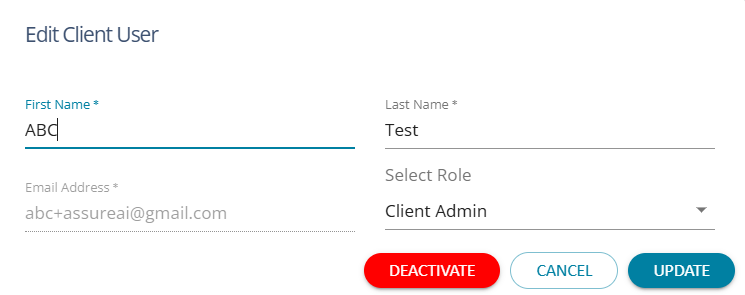
- Click the ‘+’ button on top right corner and fill up the details
- Select the role of the client user – whether Client Admin or Client User
- Only the Client admin will be allowed to add more client users to his team
- Once created, an automated email will go to the mail ID of the client where they can set the password
- Thereafter, the client will be able to log in to AssureAI with the same URL applicable for the CA firm and start using the Assure AI system.
Deactivare Client User
Once added a client user can be deactivated if no longer required by clicking on 'Deactivate' .