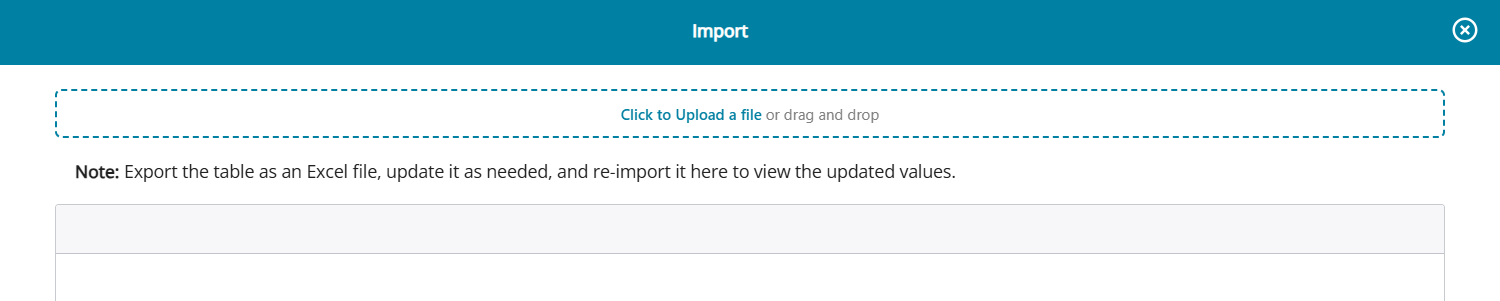
IMPORT - Bulk update feature in Ageing Analysis
The 'Import' button on the Ageing Analysis screen enables users to bulk update changes in the Ageing Analysis table. The button is available on all the tabs.
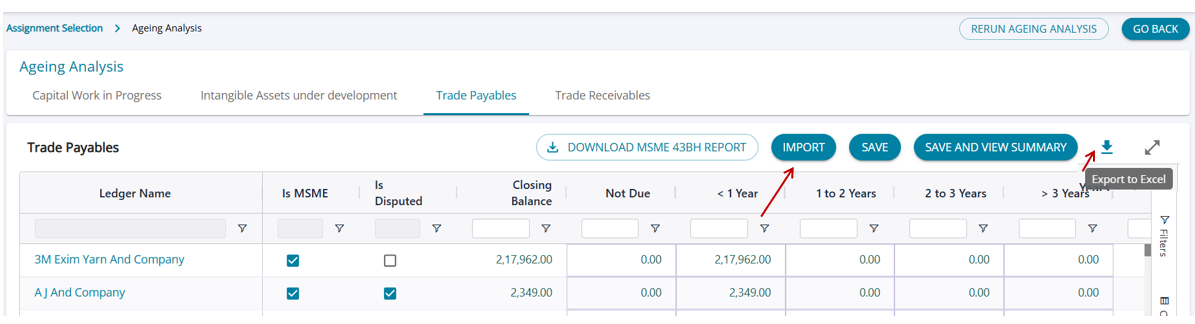
- Click on the download button to export the Ageing Analysis table into an Excel file.
- Users can then make changes to the downloaded file, update flags, and change/edit amounts and import the changes into the table by uploading the file.