Assignment Dashboard - View
1. My Summary: The summary of all the assignments of the user is displayed on this screen by default under 'My Summary'
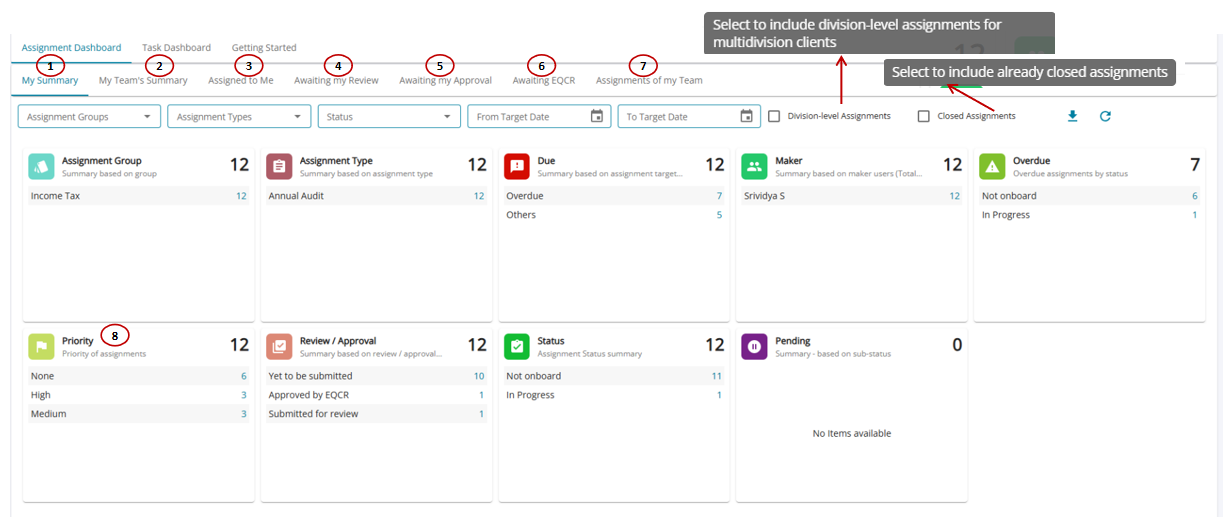
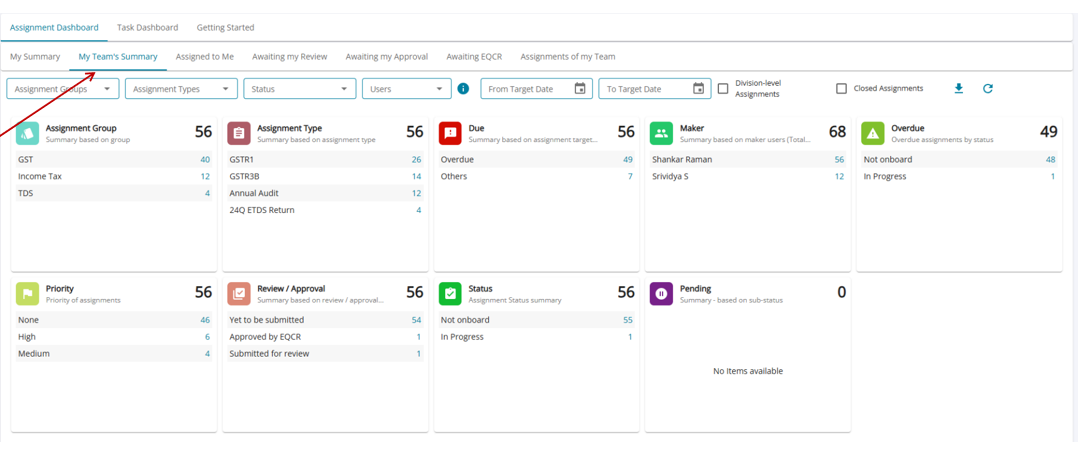
2. My Team's Summary: This section shares with the user the summary of all the assignments that are open in the firm.
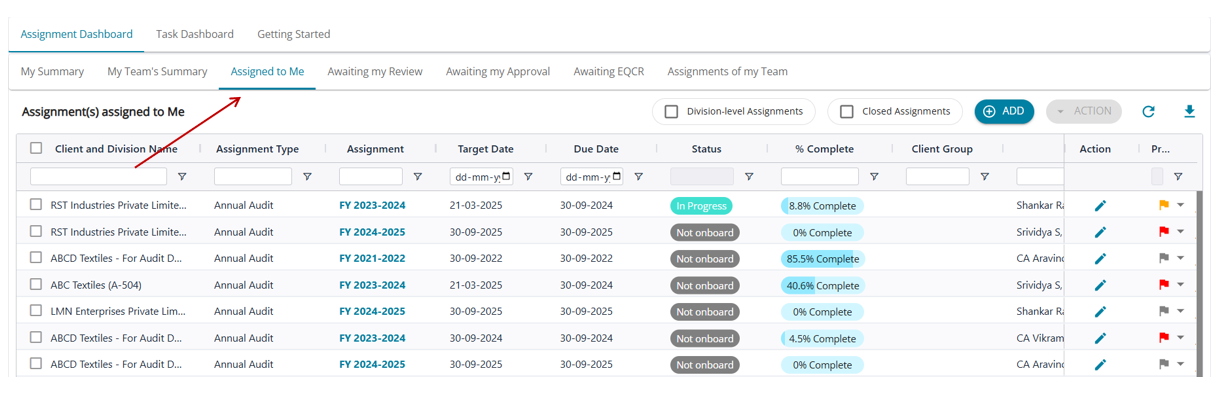
3. Assigned to Me: This section shares all assignments where the user is the maker. The priority flag for the assignments can be set in this screen.
4. Awaiting my Review: Assignments where the user is the checker and the assignment has been submitted for review.
5. Awaiting my Approval: Assignments where the user is the approver and the assignment has been submitted for approval.
6. Awaiting EQCR: Awaiting Engagement Quality Control Review
7. Assignments of my Team: Assignments where the user/ user's team (Users under your supervision hierarchy) is a maker, checker, or approver. Priority flags for the assignments can be set up at this screen, too.
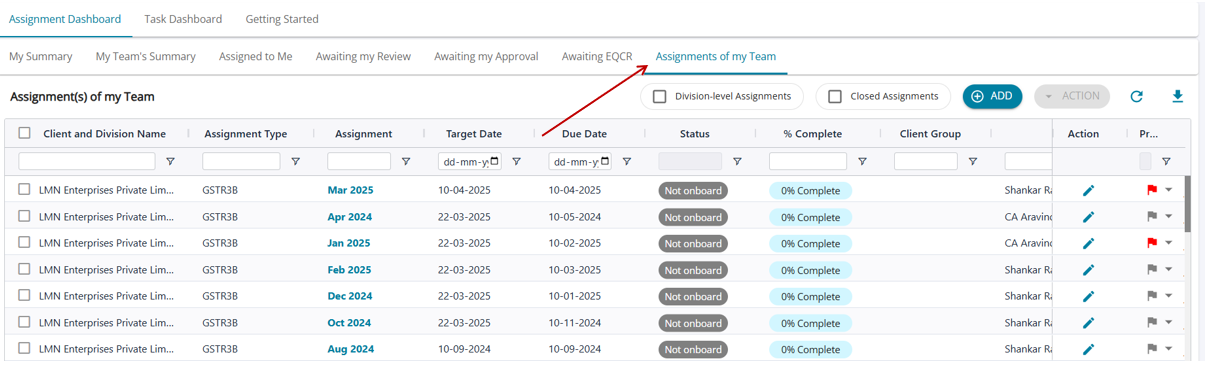
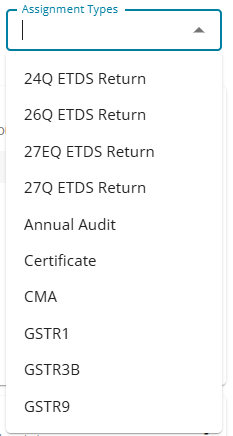
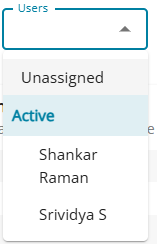
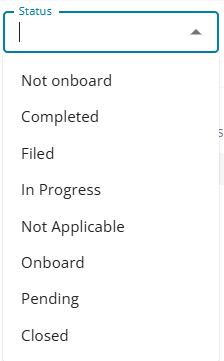
Filters are available to filter the assignments that the user wishes to see.