
How do I start Determine Materilaity task ?
Financial statements must be generated as a pre-requisite to running the Determine Materilaity task. This task requires key ratios that get generated only when the financial statements are generated.
If not, the system displays an error message. "Unable to start materiality computation because the financial statements have not yet been generated. Please re-try after generating the statements."
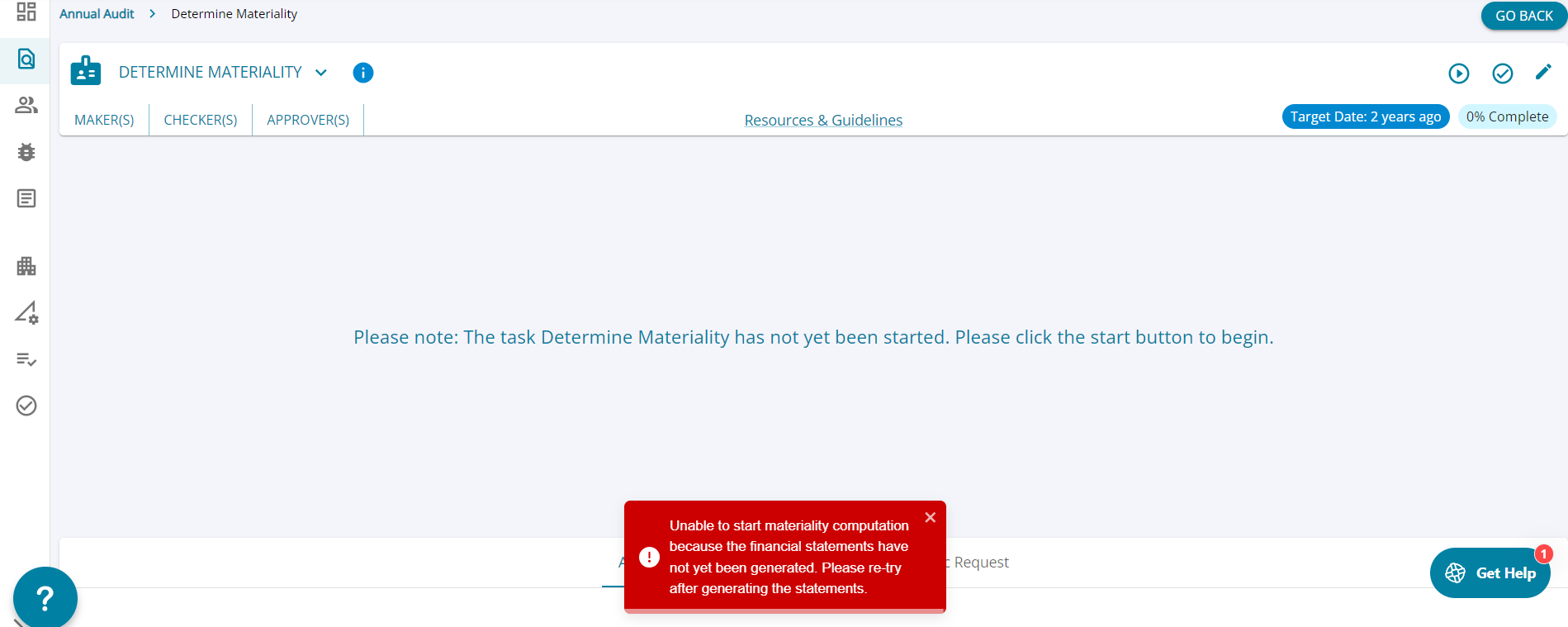
How to start the task?
1. Click on the "Load Audit Program" button on the assignment landing page.

2. Click on the "Planning Mode" button and search for "Determine Materility" and mark the task as applicable from the action column.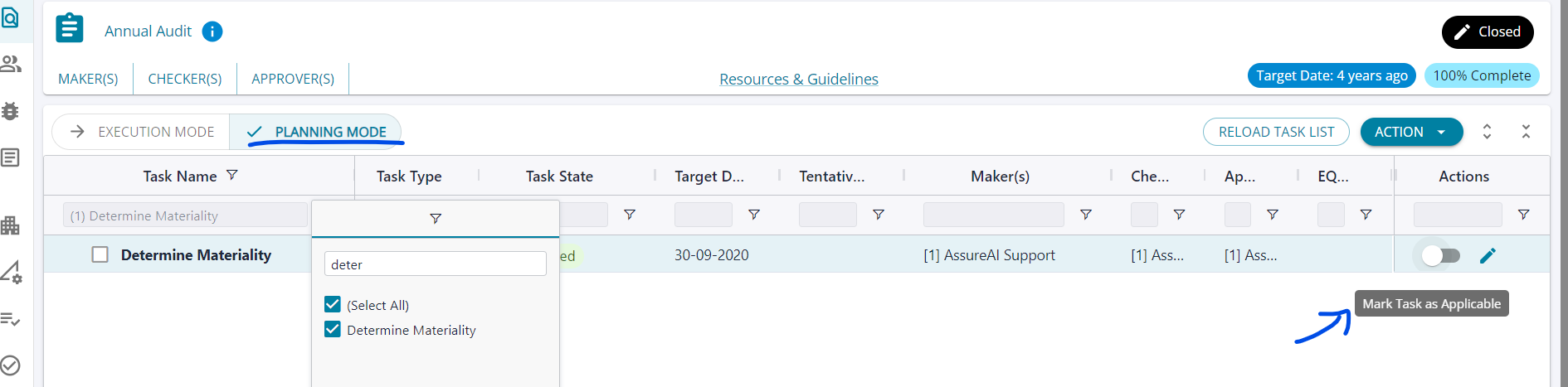
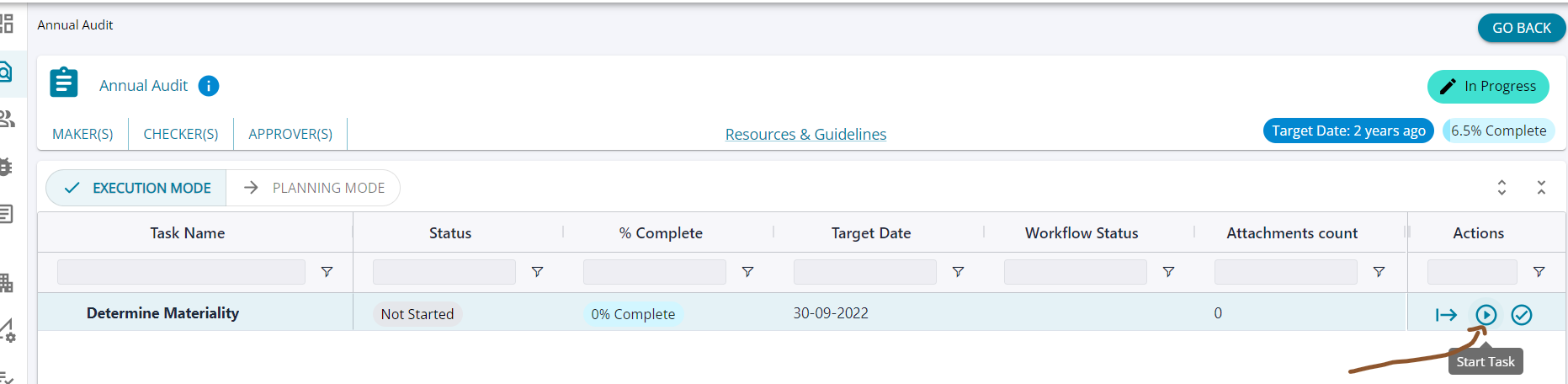
4. If, the task is not listed in the Planning Mode, click the "Reload Task List" button on this screen. This will refresh the list of tasks enabled for the assignment.

5. Now search for the task and mark as applicable in the Planning Mode.