
Add New Clients
Click on " My Clients" Menu in the Left Scroll Bar
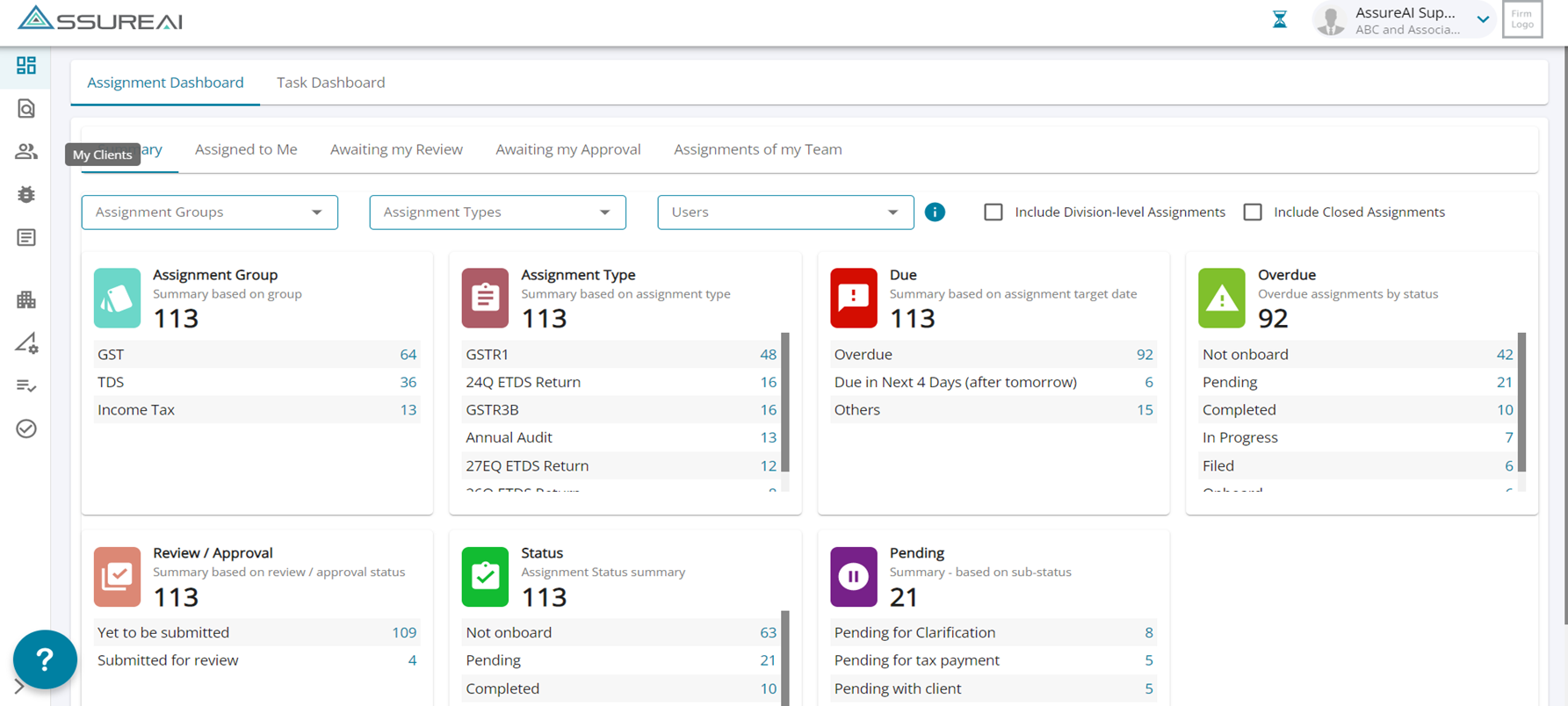 Select the '+' Button on the Top Right Corner - Add a New Client
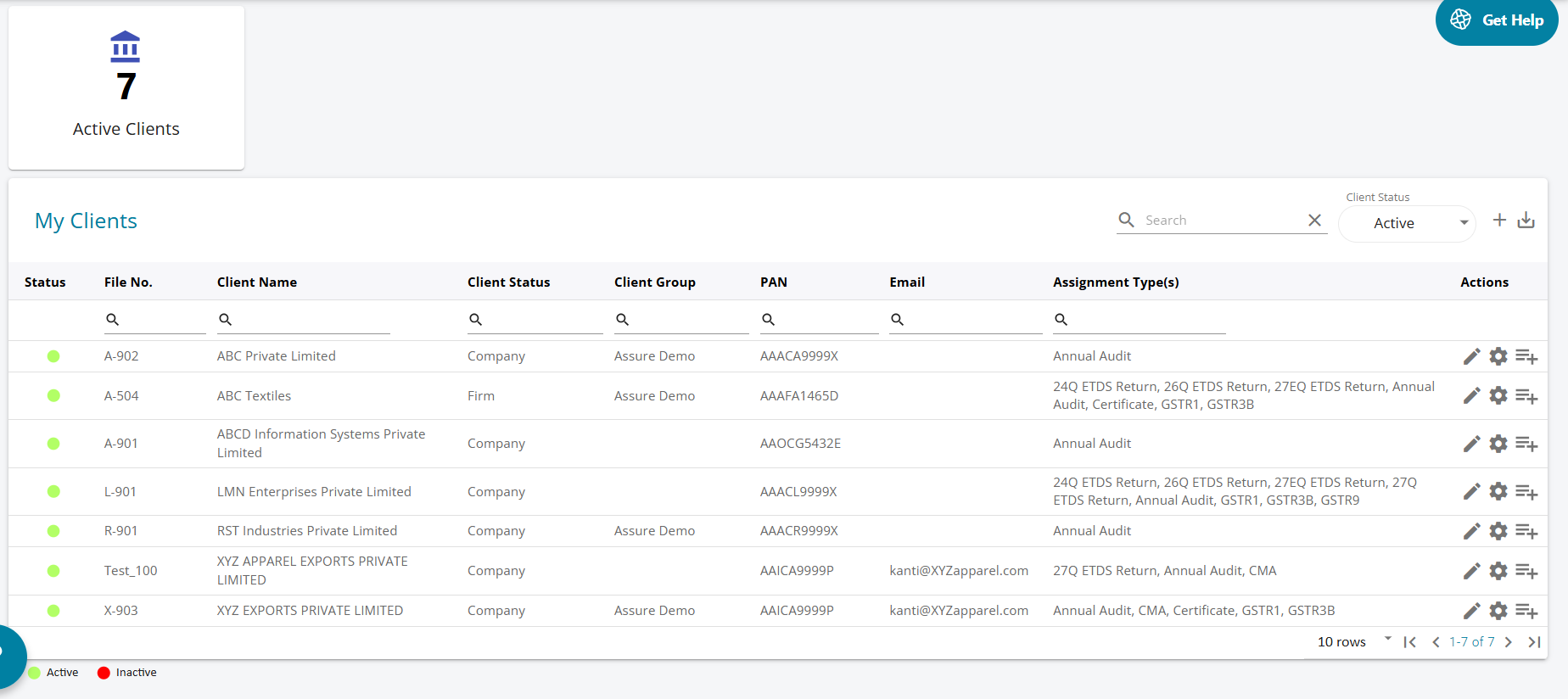
1. The user can use this screen to add a new client to the list, and once added all the active clients ( existing + new) will be listed in on this page .
2. The other features in this screen are search option for a client name , client status , and an option to export client list.
CLIENT STATUS – ACTIVE / INACTIVE
1. The client status has been classified as active and inactive. The list of the client can be seen by choosing from the client status drop down.
2 By default, the active clients are displayed, and the user can choose to view the inactive clients .
3.The legend at the bottom of the screen shows green for active and red for inactive clients.