Audit Tasks Execution - Letter ( task requiring only client signature)
Certain letter tasks require only the client's signature. These letters must be uploaded exclusively by the client. Audit users cannot sign or upload the final version of such letters.
Firm User Login (after the task has been marked applicable)
- The audit team must mark the required letter tasks as applicable. Once marked, they will appear under the Engagement Documents module in the client’s login.
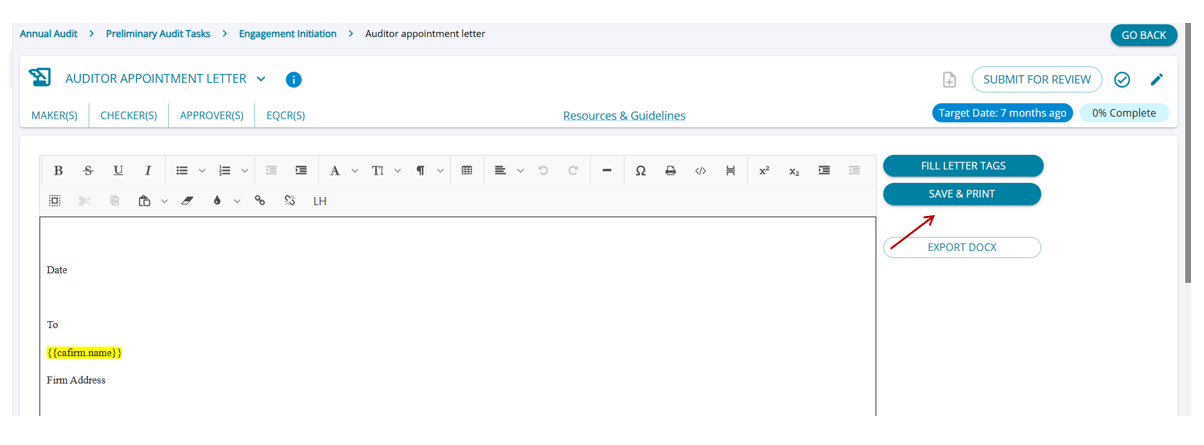
- In the firm user's login, tasks that require only the client's signature will not display an 'Upload' button.
- Firm users cannot complete these tasks until the client uploads the signed letter.
Client User Login (after the task has been marked applicable)
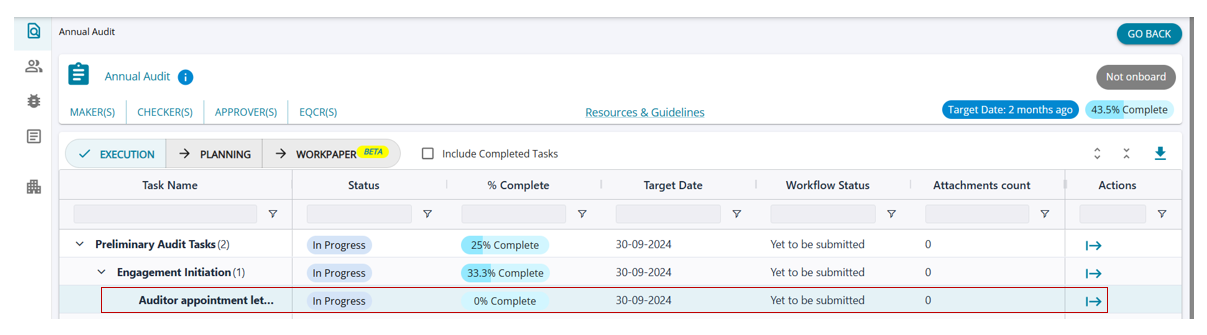
- In the client’s login, the task will appear under the status "In Progress."
- The firm user must start the task. If multiple templates are available, the firm user is responsible for selecting the appropriate one.
- Client users cannot (i) start the task, or (ii) choose from different templates.
- Clients will only be able to view the task with the template already selected by the firm user.
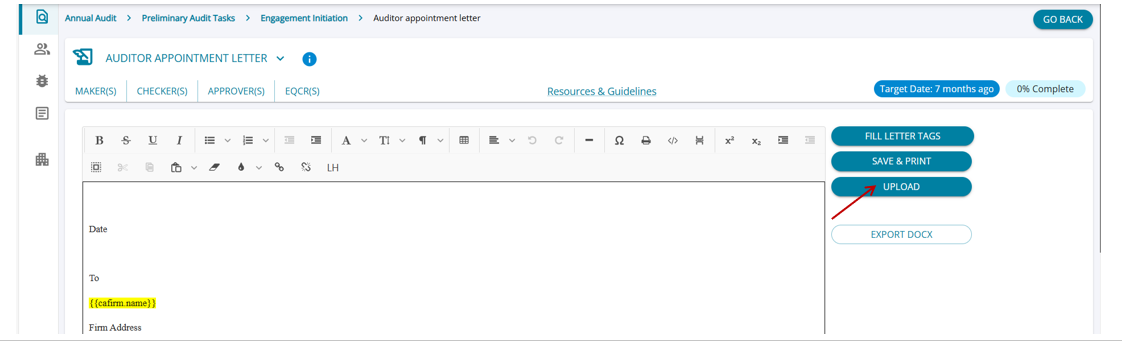
Client User Login (after the task has been started)
Once the task is started, the client user can fill in tags and complete the task by uploading the signed letter.
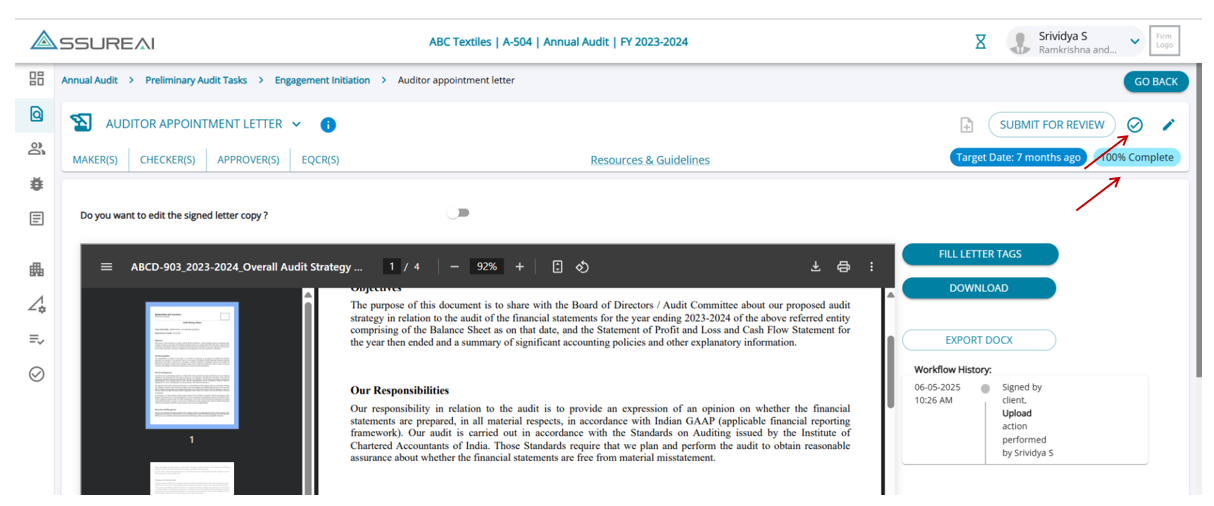
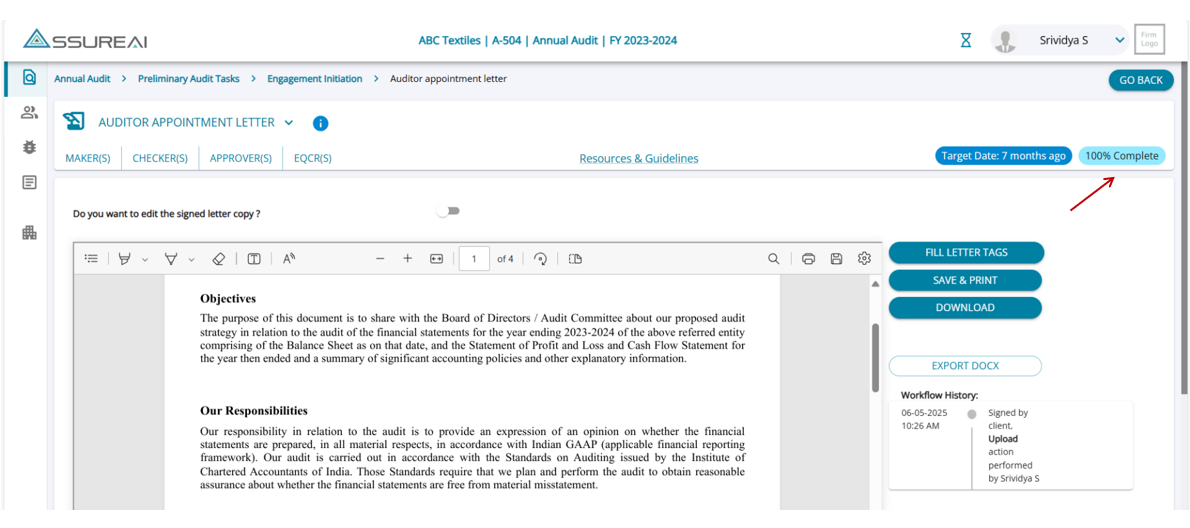
Once the signed letter is uploaded the task is marked 100% complete .
Firm User Login (after the task has been marked 100% complete by client)
- Once the client has completed the task, firm users can refresh the task to view the uploaded letter along with the workflow history.
- The uploaded letter can be downloaded by the firm user for review or record-keeping.
- The task will display as 100% complete, allowing the firm user to mark the letter task as completed in the system.