Priority Flagging
Priority Flagging of Assignments
Priority Flagging is applicable at an assignment level and not at a task level.
The option to flag assignments with a priority flag has been introduced. Assignments can be flagged as High, Medium, Low, or None (no priority). A new card on the assignment dashboard has been included to display the assignments under different priorities.
For Multi-Division clients, different divisions can have different priority flags.
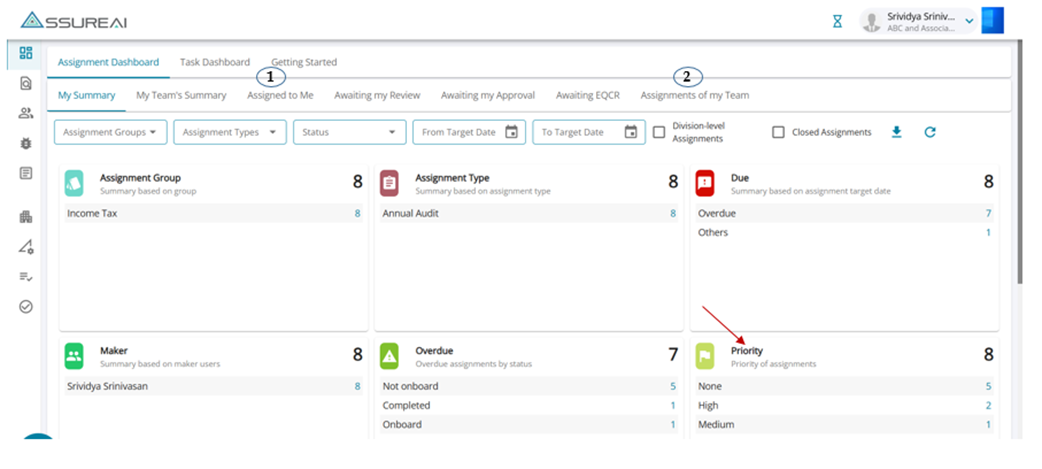
Users assigned as Makers for an assignment and users who are Supervisors to the makers alone will be able to flag assignments with the priority flag.
Priority flagging can be done from the tabs below:
- Assigned to Me &
- Assignments of my Team
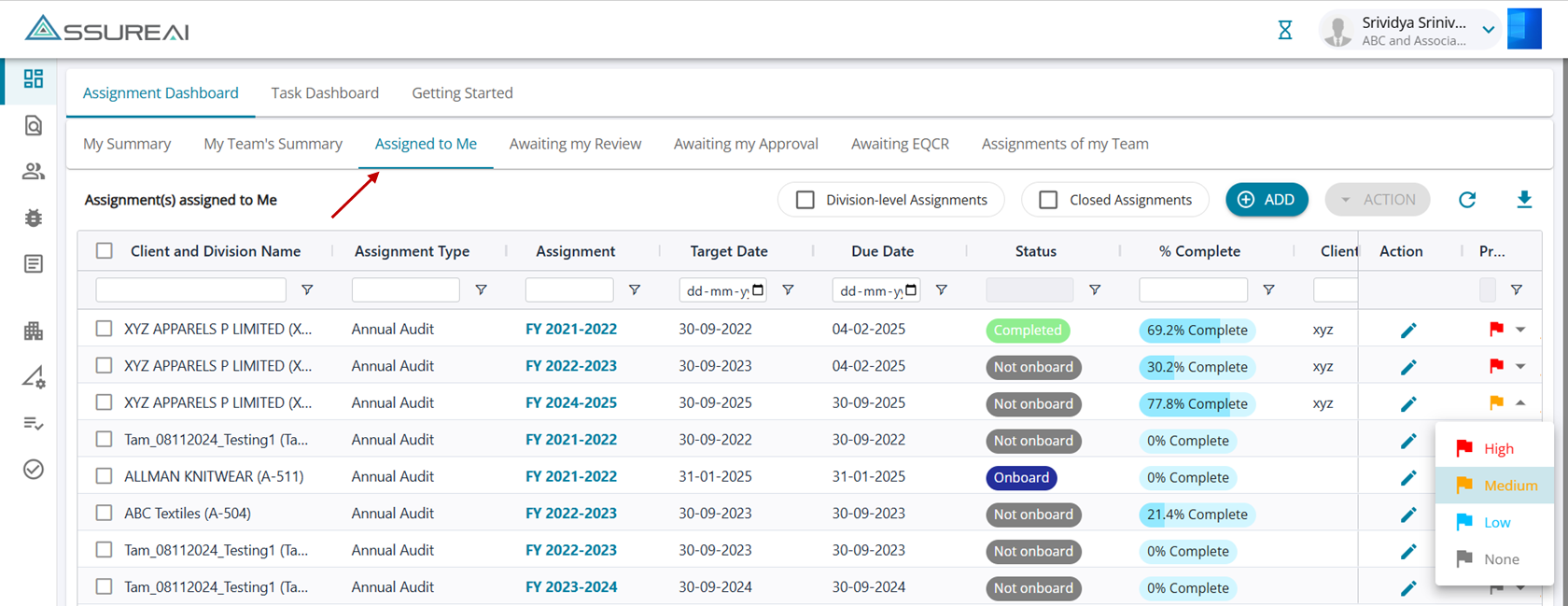
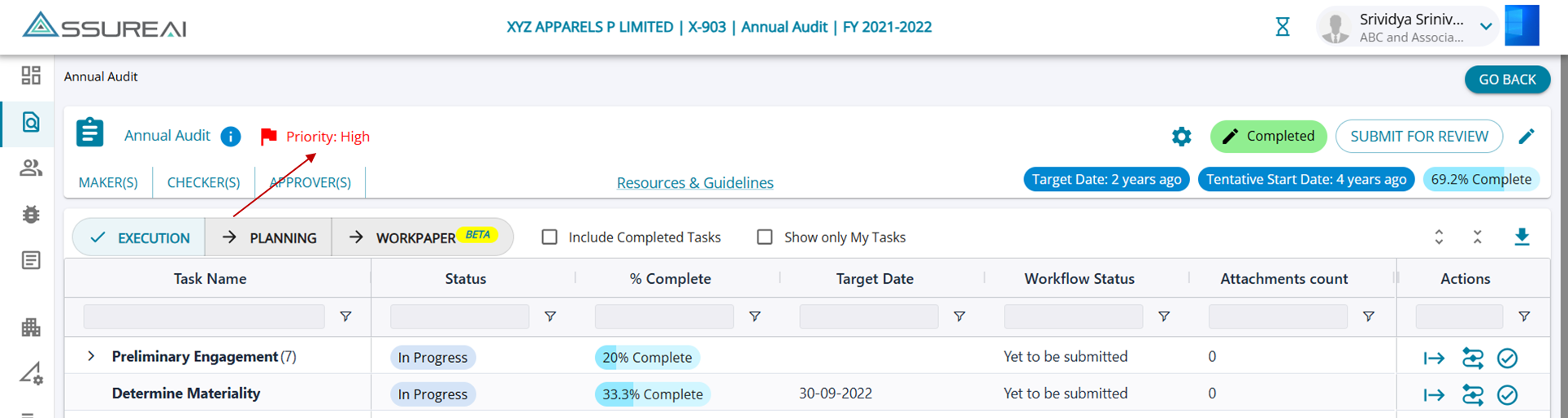
The Maker can flag assignments at by selecting the priority from the drop-down list under the actions column. The selected flag for the assignment will be displayed under the Load Audit program screen.
Closed Assignments
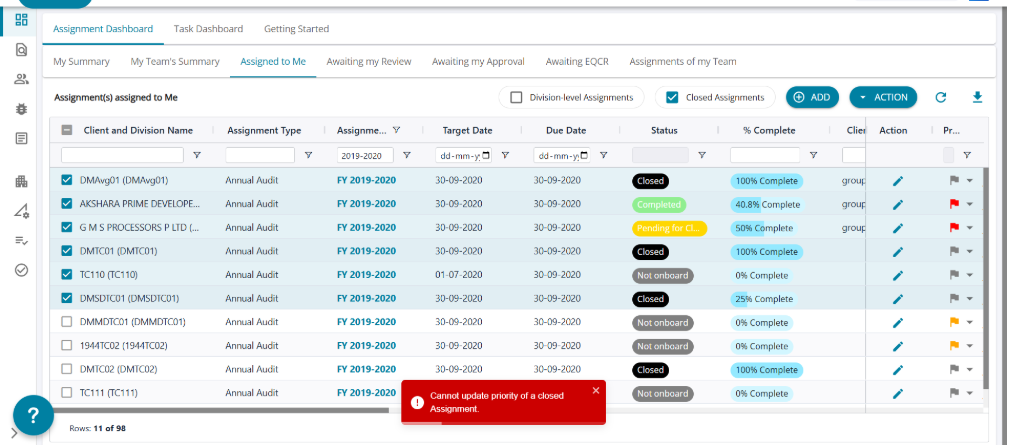
For assignments that are closed, the maker/supervisor cannot update the priority.