
Onboarding Mail
Onboarding Mail
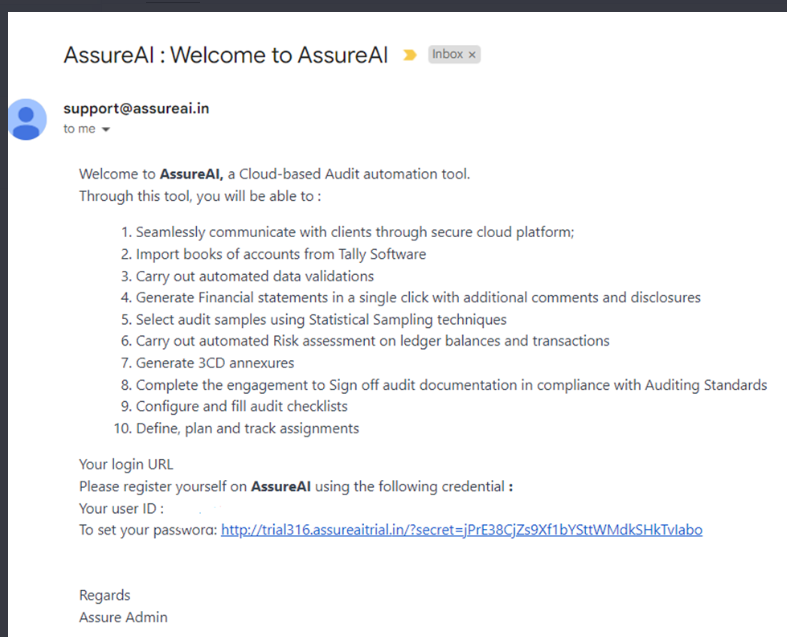
Your login URL and user ID will be marked on the mail from the ADMIN which will enable the user to login and set the password.
ONBOARDING PROCESS
1. The above-mentioned mail will be sent to the Admin mail ID of the CA firm
2. Upon receipt of the mail, the admin user needs to set the password by clicking on the password setting link
3. In case the mail is not found in the inbox, check in SPAM and PROMOTIONS folders in Gmail
4. If you still can’t find the mail, you may proceed to the URL of your firm (say https://demo.assureai.in) and press the forget password link to reset the password
5. Once you successfully set up the password, you may proceed to the URL and sign in using the mail ID and password that you have set