
Add - Ad Hoc Tasks
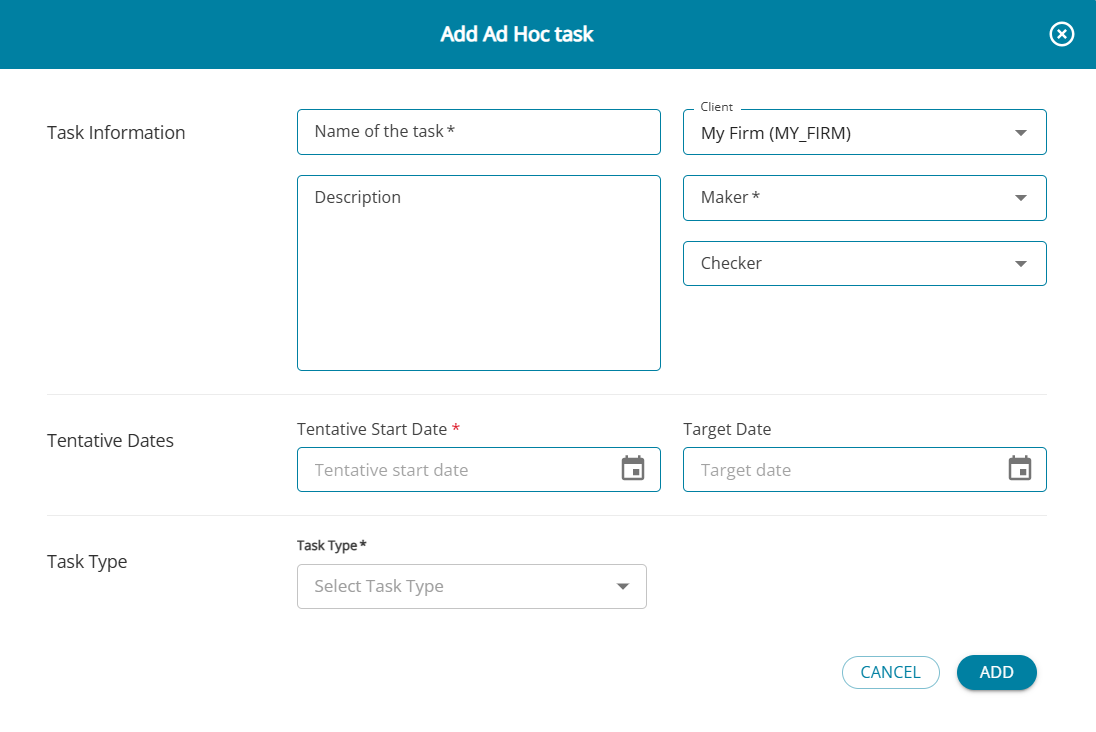
Ad-Hoc Tasks can be assigned to:
(i) the logged-in user,
(ii) or any other user within the firm.
(iii) Similarly, the Checker can also be assigned independently based on operational requirements.
Once the task is created, the system automatically displays the task in the appropriate task tab based on task ownership and assignment combination.
For example:
(i) If the creator and Maker are the same user, the task appears under Assigned to Self.
(ii) If another user is assigned as the Maker, the task appears under Assigned by Me for the creator and under Assigned to Me for the assigned Maker.
The Task Type dropdown displays values configured in the Ad-Hoc Task Settings screen.
Only Task Types marked as Active in configuration are available for selection during task creation.
Mandatory fields within the Add Ad-Hoc Task screen are identified using the “*” symbol.
The Maker and Checker dropdowns display all users available within the firm.